
Type
CMU ETC Building Virtual Worlds Round 2
Team Project (5 members)
Timeline
2026.09.22 - 2026.10.06 (2 weeks)
Technique
Unity & Meta Quest 3
My Roles
Programmer; Experience Designer
Description
4-minute VR Experience
Shark Cage
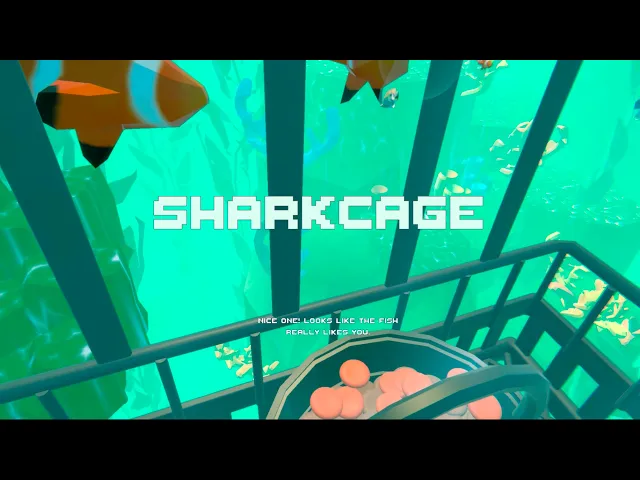
Shark Cage is a 4-minute VR experience created for Round 2 of Building Virtual Worlds at Carnegie Mellon University’s Entertainment Technology Center. The assignment challenged us to build a VR world for a naive guest using indirect control, and our team’s prompt was “Shark Cage.” The player goes on a low-budget shark cage diving tour. He begin by feeding small cute fish in the beautiful shallow ocean. Suddenly, the cage cable snaps, and the cage falls to the bottom of the sea. Armed with only a harpoon, the player must fight off sharks to defend himself until rescue arrives.


Experience Design

Part I: Enter the Cage
(40 seconds)
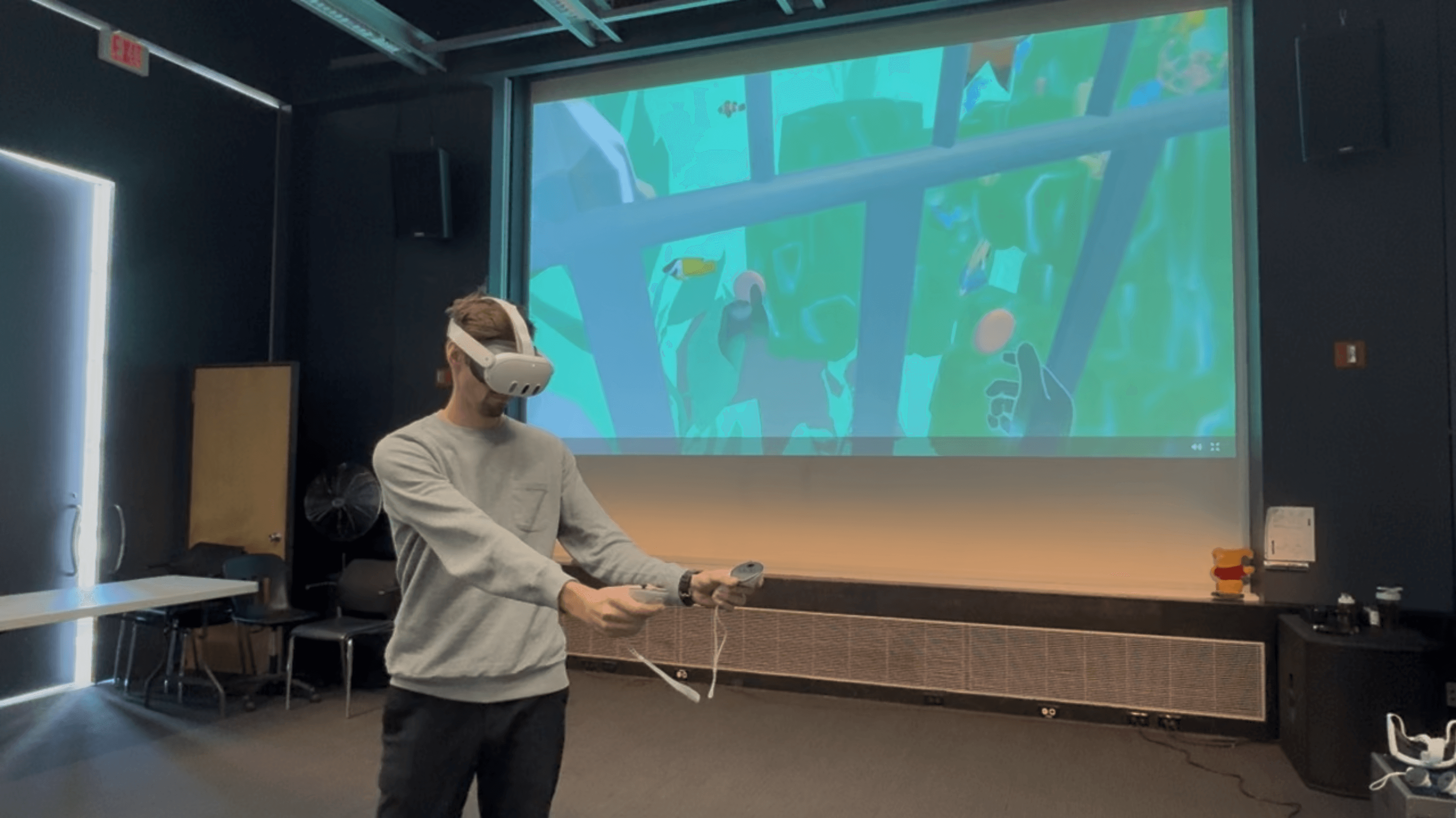
The player puts on the VR headset and sees a cage in front of him. He steps forward to enter the cage. [MR]
Voice Over (Diving Instructor): "Welcome to our $9.99 Southern Sea diving tour. I’ll be your diving instructor today! On this amazing journey, you will be exploring the beauty of the undersea, with colorful and cute fish swimming around you. Bon voyage!"
The sea level rises as the cage begins to descend. [MR to VR]

Part II: Shallow Ocean
(60 seconds)
The player sees a beautiful shallow ocean scene with small cute fish swimming around the cage.
Voice Over: "Ohhh...look at those little cute fish! It seems like they are hungry." [Indirect Control]
The player grabs a fish food from the basket in front of him and feeds a fish.
Voice Over: "Nice one! Looks like the fish really likes you."
The player continues feeding the fish.

Suddenly, the cable snaps. The cage begins to shake, then quickly falls into the deep ocean.
Part III: Deep Ocean
(80 seconds)
The player is now at the bottom of the ocean. The scene outside the cage is completely dark.
A shark suddenly emerges from the darkness and attacks the cage.
Voice Over: "Oh no! Your cage has fallen down to the bottom of the sea. But don't worry. We'll find a way to rescue you as soon as possible. Stay safe!"
A golden harpoon appears in front of the player [Indirect Control]. He grabs it and fights off the shark. If the player fails to fight back, the cage will be damaged by the shark’s attacks.
Voice Over: "Good news! We have located your cage, and we're gonna pull you up soon."
The player continues fighting as the shark attacks become more intense.

Part IV: Rescue
(40 seconds)
The cable reconnects, and the cage begins rising toward the surface.
-- If successful (≥50% of the cage protected) :
Voice Over: "What a fighter! You bravely fought the shark and barely have any bruises. And we are so sorry about that little accident. We’ll give you a full refund! Hope you’ll choose us again for your next diving adventure!"
-- If failed (<50% of the cage protected) :
Voice Over: "Oh my god! You're alive! I'm so happy to see you again. We are so sorry about the accident. And well, we were supposed to give you a full refund, but...the cage is pretty badly damaged, so we’ll keep the refund to cover the repairs. Hope you’ll choose us again for your next diving adventure!"

Interaction Design

Tech
FishWander
(Control how fish swim)
Free swimming (on start)
Swim area: Each fish roams inside a box-shaped area, defined by an Area Center and an Area Size.
Heading: A look-ahead line points in the fish’s swimming direction, so it can spot boundaries and the cage ahead of time.
Movement pattern: The fish swims in a straight line for a while, makes a smooth turn, then swims straight again.
Approaching the cage: During feeding, a fish swims over to the cage. Once it stops, it levels out to face the center of the cage and keeps a Cage Margin distance from the cage walls.
Idle floating: While waiting beside the cage, the fish gently bobs up and down. The floating eases in over Hold Blend In Time seconds, so the fish never jerks from still to moving.
Fed reaction: When fed, the fish nods up and down in place, as if happy. If the fish has a FishAnimation component, its Happy animation plays at the same time. The fish then swims away.
Returning: The fish swims back to its own area and resumes free swimming.
Scene-view debug gizmos: swim area (blue box), cage bounds (orange box), look-ahead line (yellow), path to the cage target (green), return path to the swim area (purple).

FishFeedingManager
(Manage the whole feeding gameplay)
Start: The first time the player picks up food, a set number of fish (Fish Around Cage, configurable) is chosen at random and swims over to surround the cage.
Positioning: Each fish takes the open spot farthest from the other fish, just outside the cage wall at about the player’s chest height. A small random offset keeps the group from looking too uniform.
Keeping the count: The cage always has the same number of fish around it. When one swims off, a replacement arrives after Refill Delay seconds. A fish that just left rests for Rest Time seconds, so the same fish isn’t called right back.
Feeding: A feed counts as successful when food touches any fish waiting by the cage.
Each piece of food can only be used once.
The fed fish plays its reaction, then swims away. The other fish stay where they are.
Leaving: If a fish waits Max Wait Time seconds without being fed, it swims away too, and a new fish takes its place.
Timer: A timer (Feeding Duration, configurable) starts with the first successful feed. When time runs out, all the fish swim away, no new ones are called, and an end event fires that starts the cage descent.

CageDescent
(Control the cable snap and the cage’s descent)
Trigger: The descent starts automatically when the feeding time runs out.
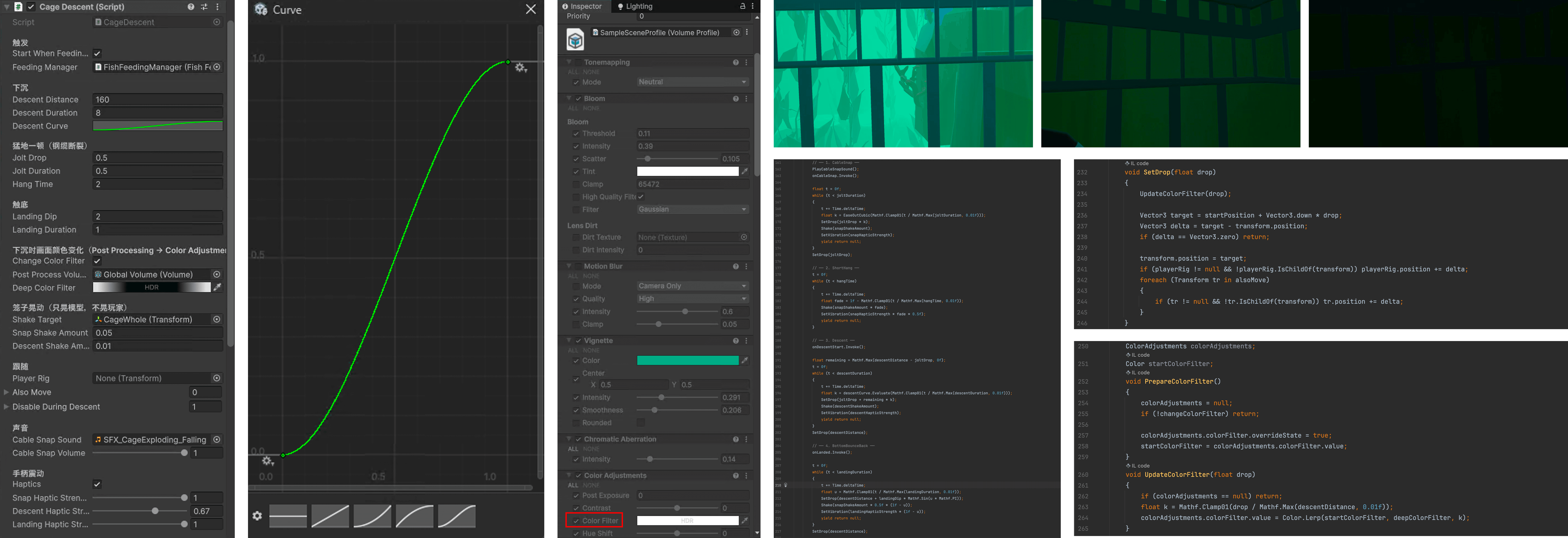
Cable snap: The cage suddenly drops a short distance (Jolt Drop) as a snapping sound plays. At the same moment, the cage model shakes hard and the controllers vibrate at full strength. The cage then hangs briefly (Hang Time) while the shaking fades out.
Descent: The cage sinks Descent Distance meters over Descent Duration seconds. A Descent Curve shapes its speed so it accelerates first, then slows down. On the way down the cage sways slightly and the controllers keep a light vibration.
Darkening: The deeper the cage goes, the more the screen tint (the post-processing Color Filter) shifts toward a Deep Color Filter, so the view darkens with depth.
Landing: On reaching the bottom, the cage sinks a little further, then bounces back, while the controllers vibrate.
Camera Rig Following: Every frame, the player (Camera Rig) moves by the same offset as the cage, so the player descends together with it.
Playtest & Feedback
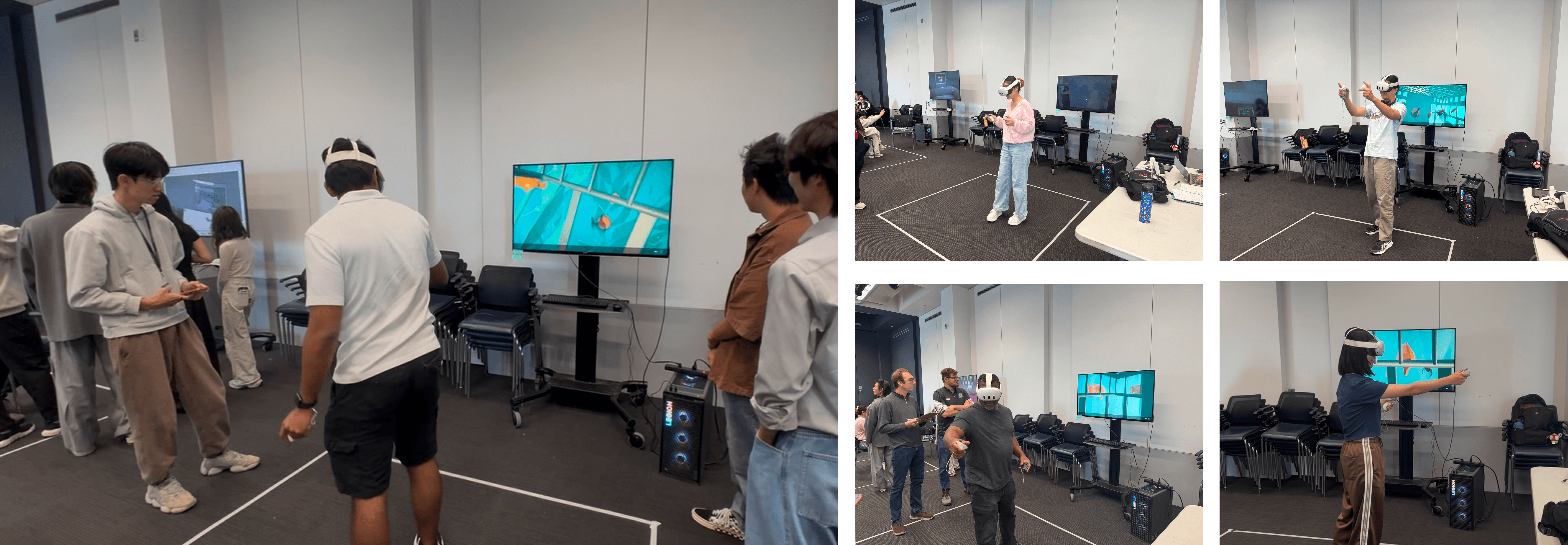
Positive Feedback:
Structure: The structure of each part was very clear and strong.
Storyline: The way the 2 gameplays were placed in the storyline made sense.
Artwork: The visuals were immersive and fit the 2 parts of gameplay. The fish-feeding scene was very beautiful, and the shark fight scene was dark and thrilling.
Audio: The audio was immersive. The background music of the fish-feeding scene was chill and relaxing, making the guest enjoy the beauty of the underwater.
Basket: Putting the food in the basket made more sense than making it float around.
Room for Improvement:
Swim ring: Ricardo was confused whether the swim ring would be of any use. Does it help us fight the shark? Will the guest use it to escape? Note: This is not a big deal.
Scene transition: The time it took for the cage to fall into the bottom of the ocean was too slow. It should have been faster to make the game more exciting.
Shark fight: The interest curve of the shark fight part became stable after some stabs. Some ideas that could make the curve go up include requiring the guest to take more actions or make an ending scene when the shark does sometime that lets the guest know the fight is over.
Possible Future Tasks:
Scene transition: Make the cage fall faster into the deep ocean.
Shark fight: Give the shark richer feedback and animations.
Swimming pattern: Make the fish form a school effect and keep them at their original size.
Visuals: Make sure the coral and rocks are not floating in the air, and improve the deep-sea and shallow-sea terrain. Improve the quality of some materials as some of them are currently quite simple.
Sound: Improve the quality of some sound effects to give guests a more immersive experience.